
Giving GitHub Copilot a Voice with Copilot Avatar
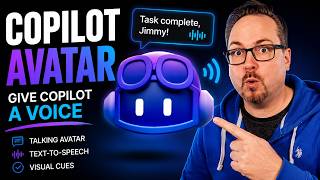 GitHub Copilot is powerful, but most AI coding tools still feel like a prompt box. In this video, I show GitHub Copilot Avatar, a project I built to make Copilot feel more like a colleague by giving it a voice, a face, status indicators, and visual cues.
Copilot Avatar uses GitHub Copilot extensions to listen to what Copilot is doing and react when there is something useful to tell the user. Instead of reading every line of output, it focuses on the important feedback and can speak it using different text-to-speech providers like Web Speech, ElevenLabs, Deepgram, SAM, and more.
We also look at transparent window mode, badges, Copilot status, Clippy support, sub agents, Squad integration, and how the avatar can show when Copilot is idle, thinking, speaking, or done. The goal is simple: make GitHub Copilot feel less like a terminal tool and more like an AI coding assistant that is actually working with you.
Try Copilot Avatar, play around with it, and let me know what you think in the comments. What should I add next?
https://github.com/EngstromJimmy/copilot-avatar